Phone or tablet. Your PDFs look amazing.
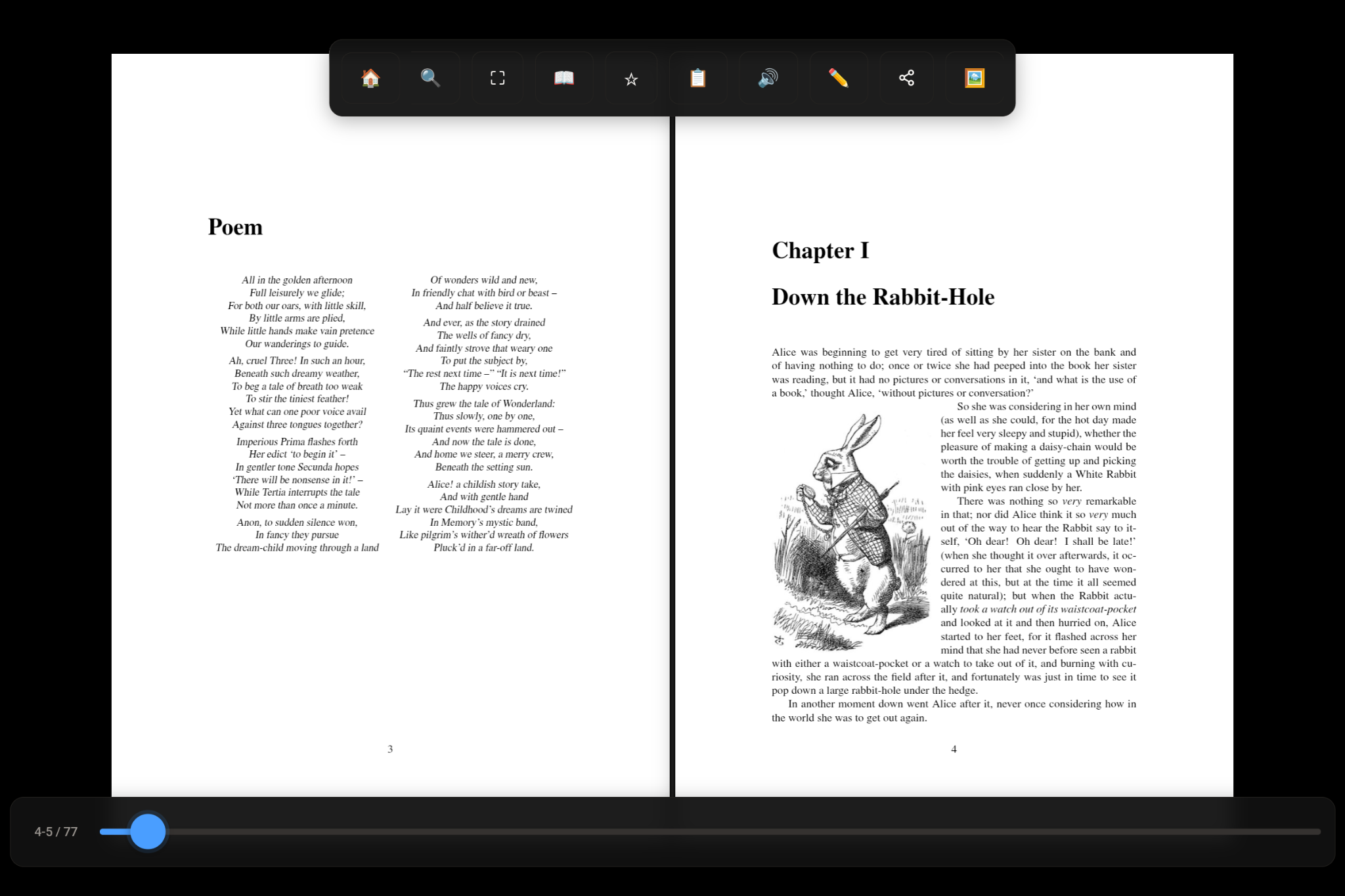
Tablet — opens like a real book
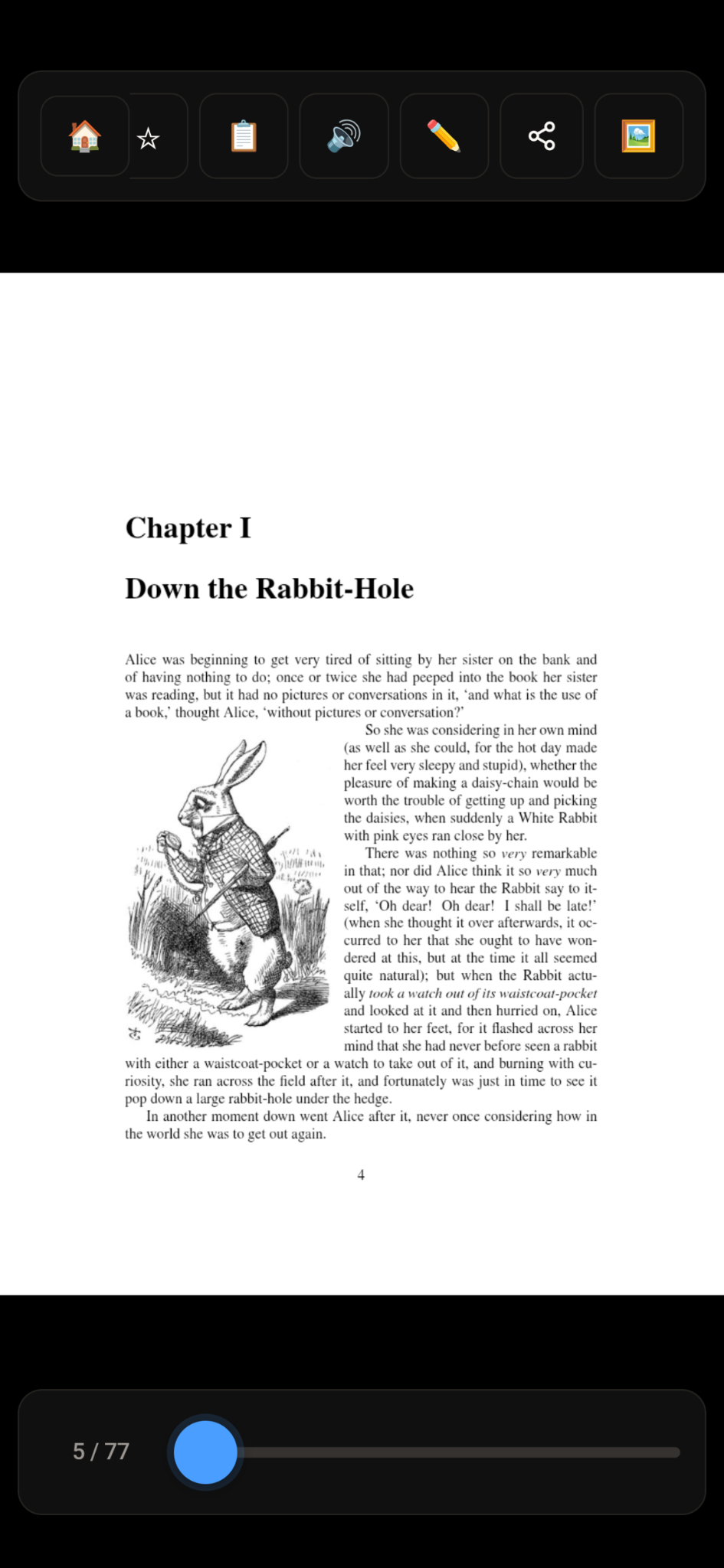
Phone
Zoom that actually stays locked. Paste any link to download a PDF instantly. Pages that flip like a real book. Your PDFs, read aloud. All organized by collection. This is Flippy.
Textbooks, court docs, that 400-page manual you've been avoiding — literally any PDF 📖
You zoom in to read, then swipe to turn the page... and accidentally pan around instead. Every. Single. Time.
✓ Flippy's fullscreen mode locks your zoom. Swipe to flip pages, not to pan. Your zoom stays exactly where you set it.
Find a PDF online. Download it. Find where it saved. Open a separate app. Open the file. Finally read. Why is this so hard?
✓ Paste any link into Flippy — Google Drive, government sites, anywhere. It downloads and opens instantly.
PDF has a table of contents with hyperlinks. You tap them. Nothing happens. Super helpful.
✓ Flippy builds its own table of contents that actually works. Tap any section to jump there instantly.
You try to highlight or draw. There's a delay. The line doesn't follow your finger. It feels broken.
✓ Flippy's pen and highlighter feel instant. Like your finger is actually inking the page in real time.
Toolbars, buttons, menus — always covering the text you're trying to read.
✓ One tap: fullscreen. Nothing but your PDF. Tap the edges to flip pages. That's it.
Endless scrolling. No sense of progress. No page turns. It's not reading, it's browsing a website.
✓ Pages flip like a real book. Even when you scrub through them quickly. It just feels right.
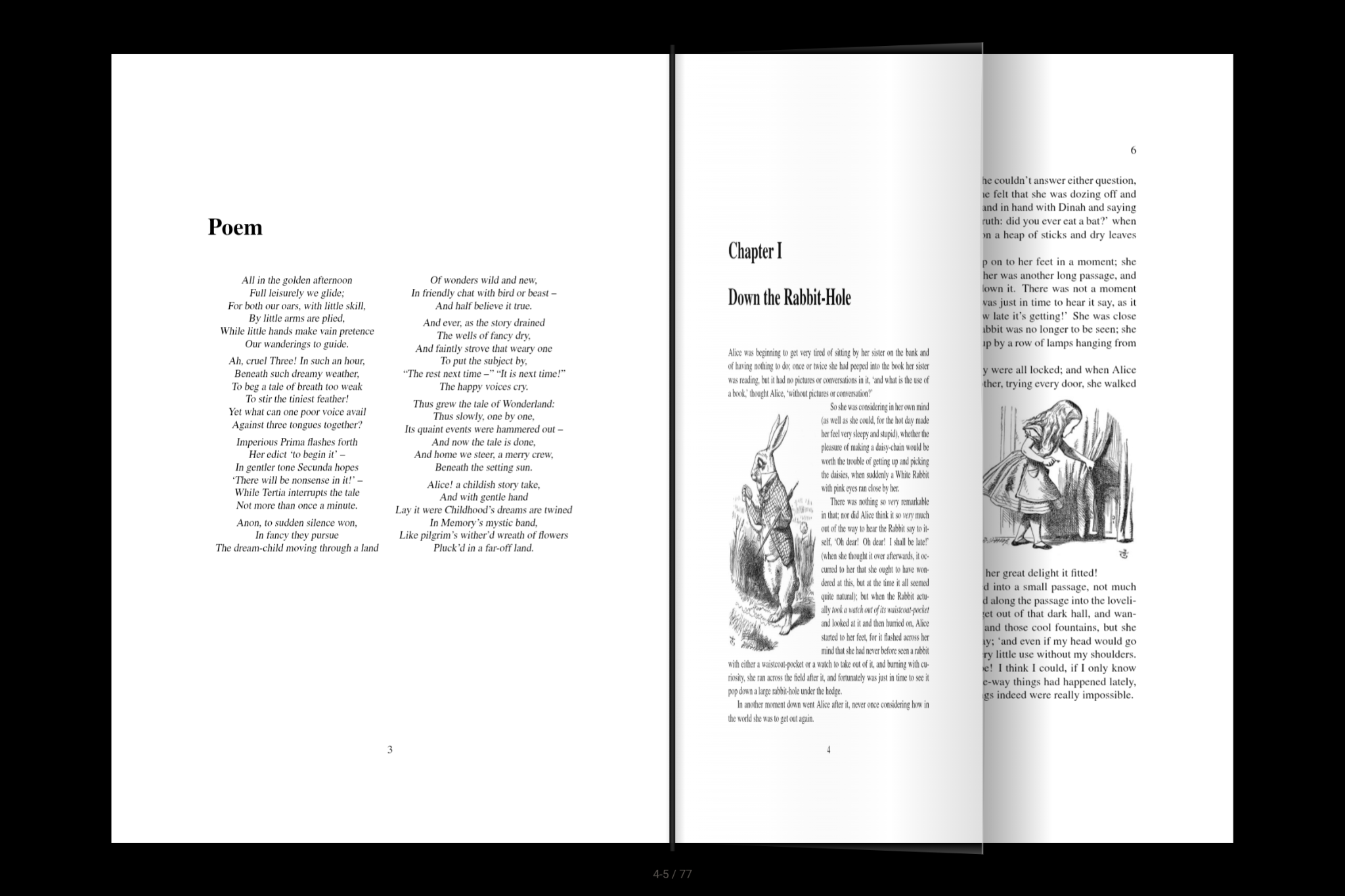
Pages fold and curl like real paper. Swipe anywhere to turn, or tap the edges. Scrub through pages and watch them fly like flipping a real book.
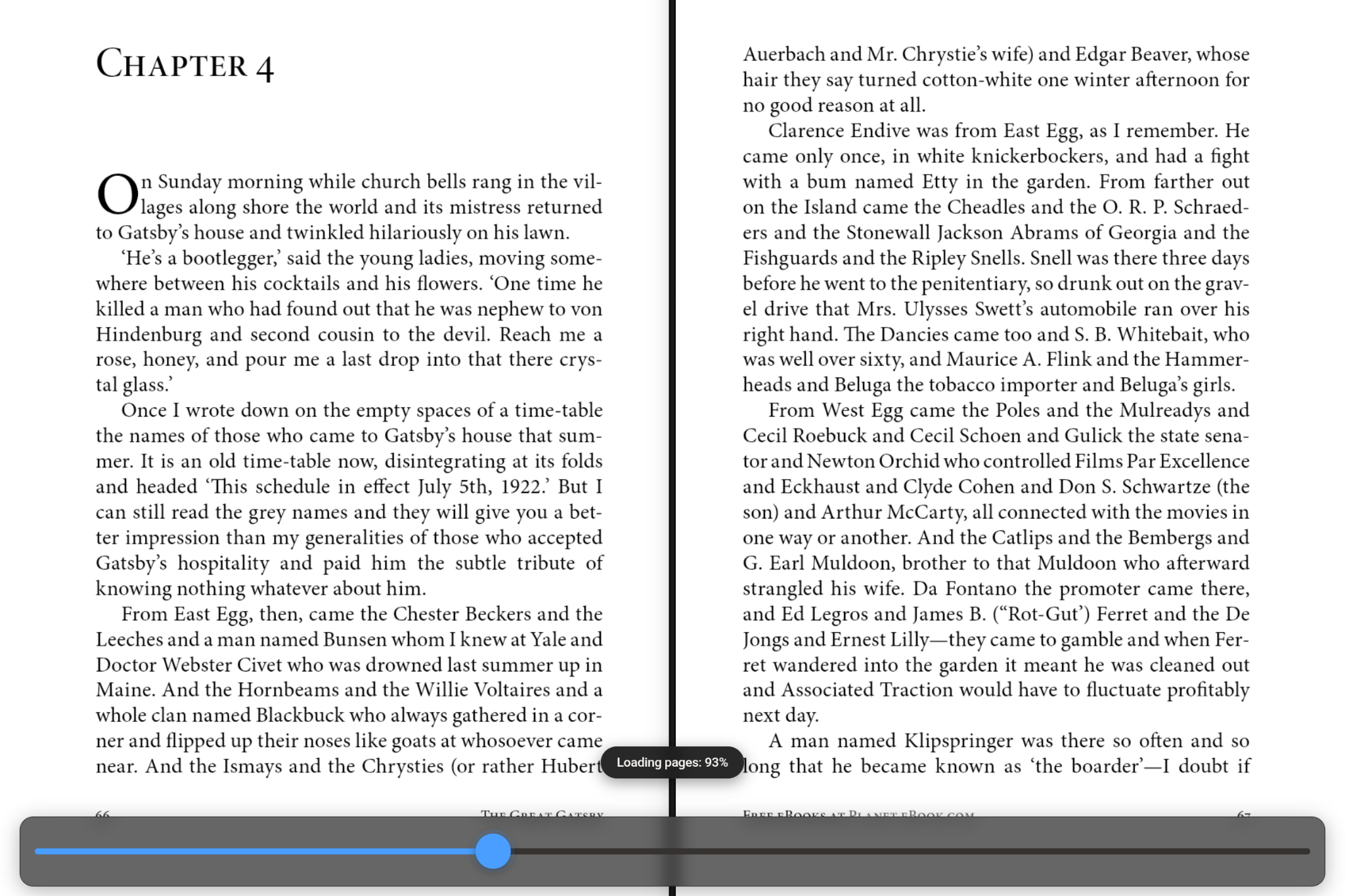
One tap zooms in so text is readable. Pinch to adjust. Your zoom stays locked as you flip pages. Game changer.
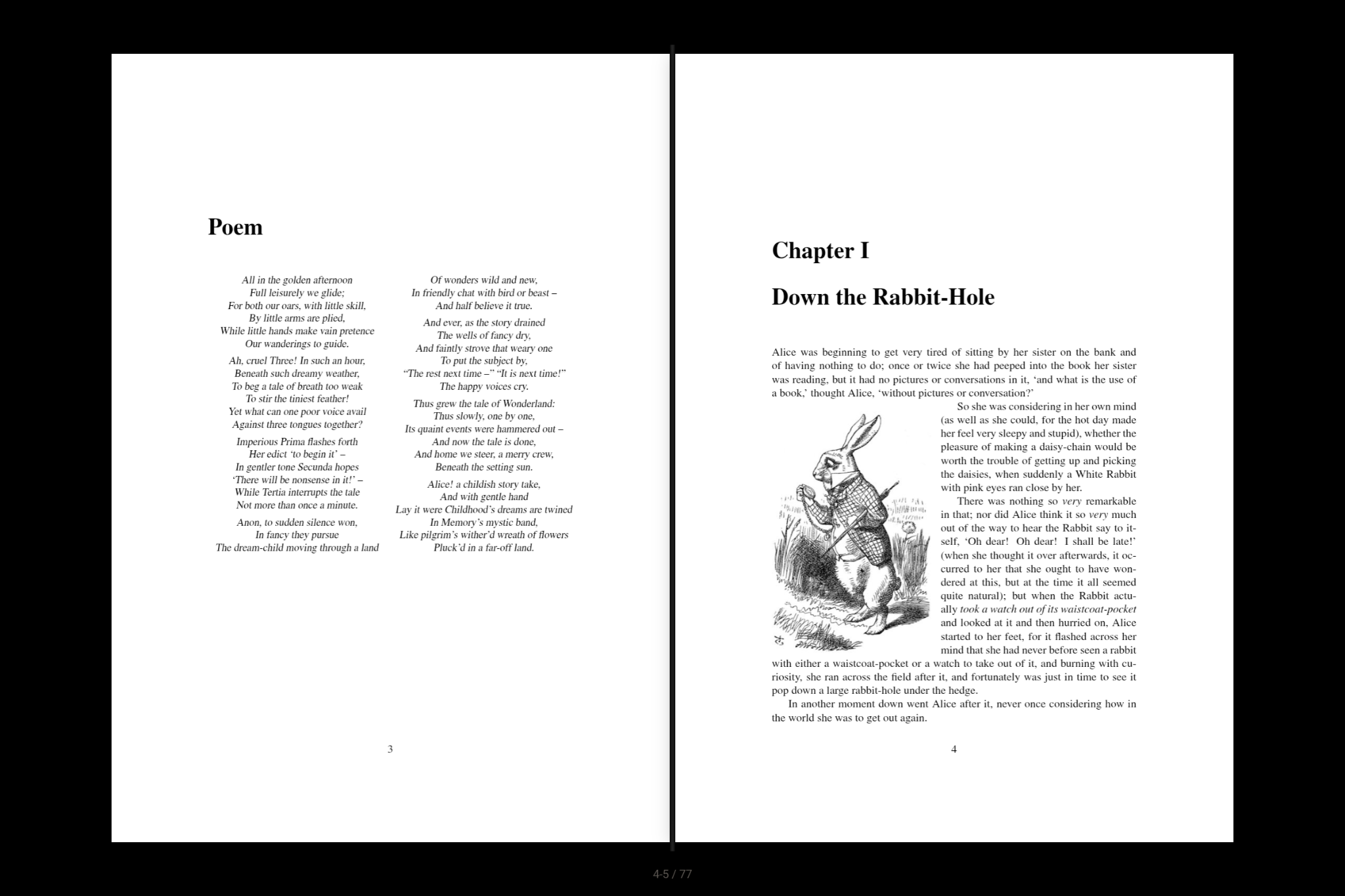
On tablets, PDFs open in landscape as a two-page spread. First page flips open like you're cracking a real book.
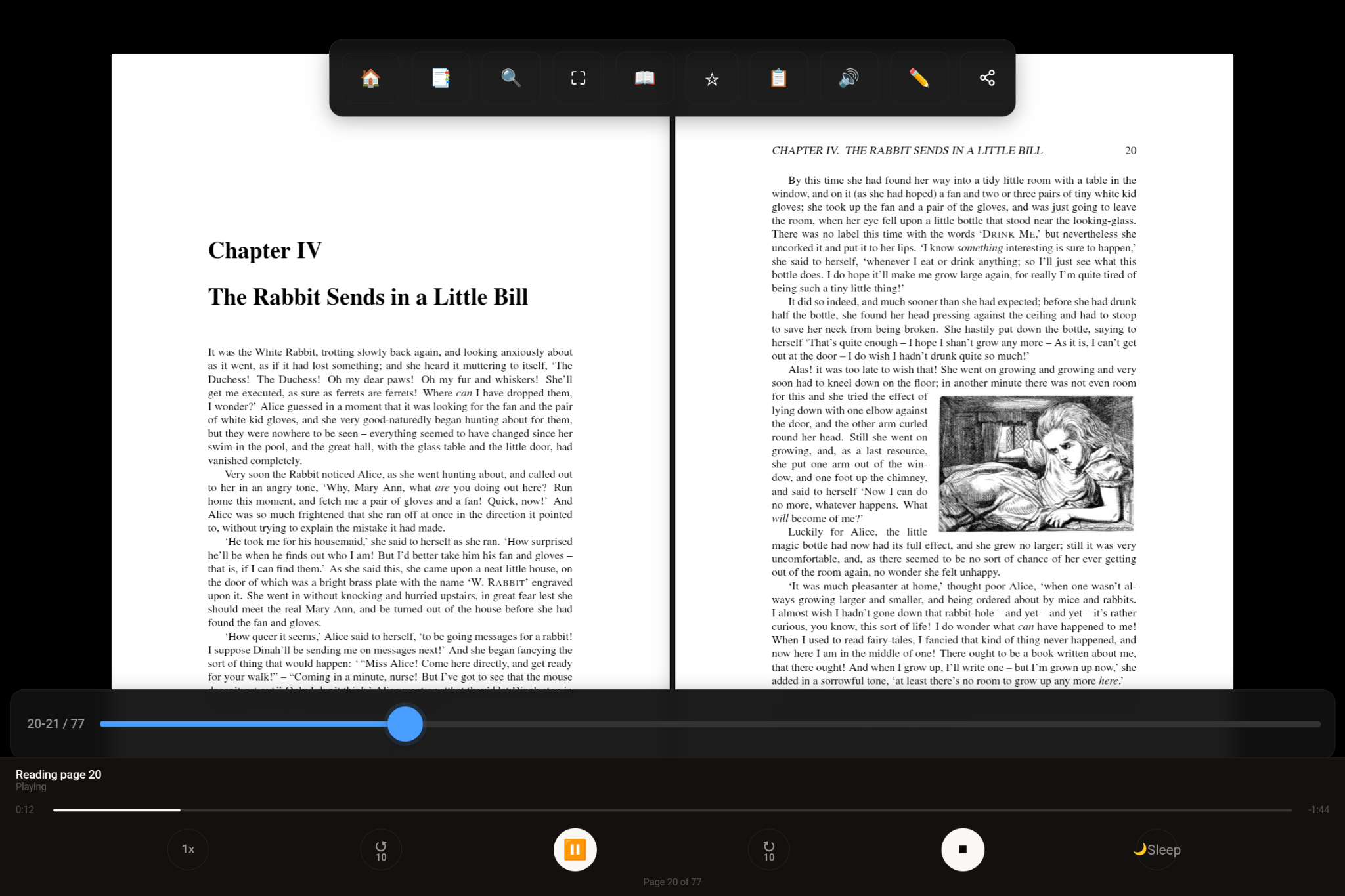
Your PDFs, read to you with natural AI voices. Adjust speed, set a sleep timer, control from your lock screen. So freaking cool.
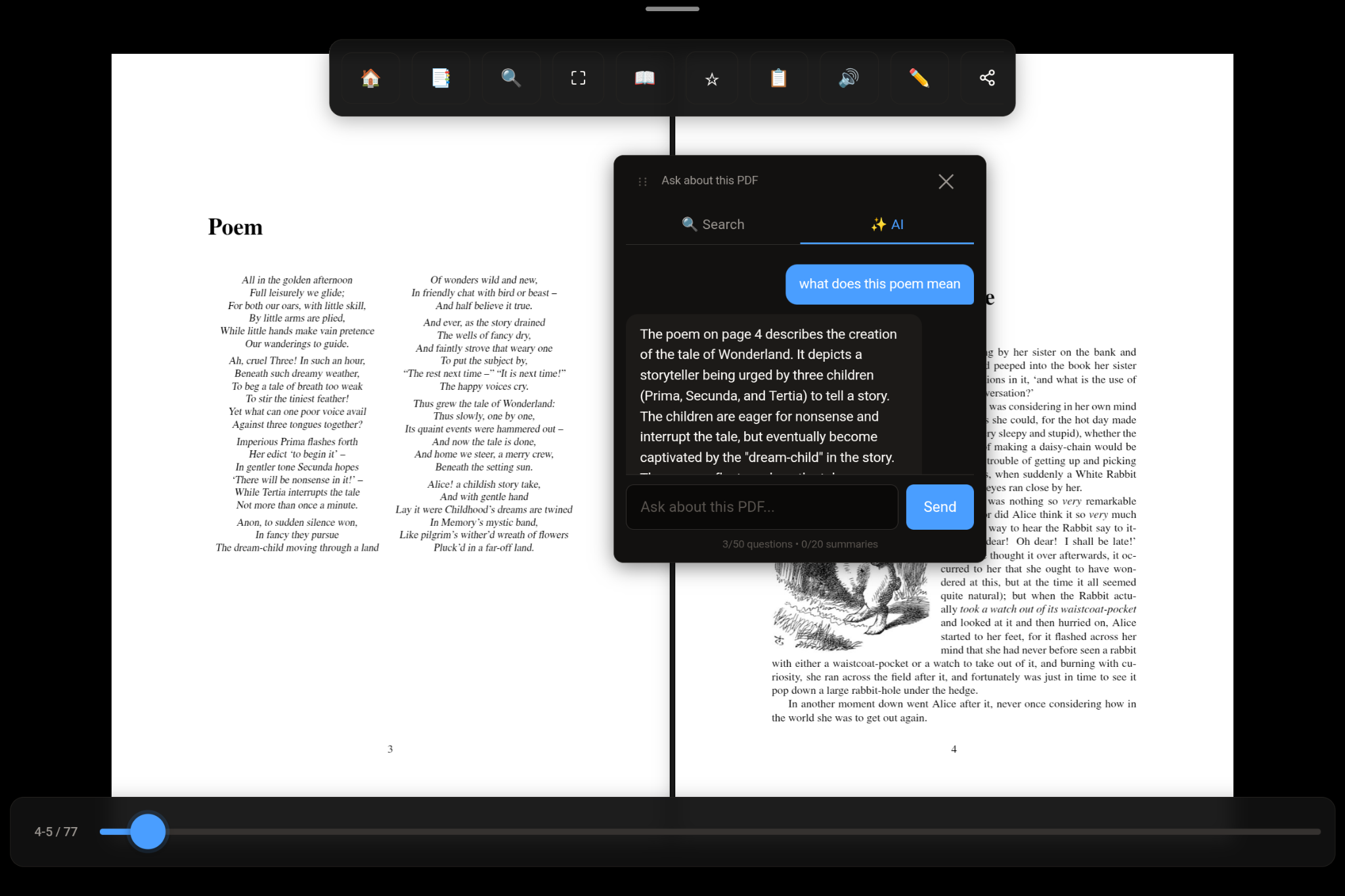
Ask questions about your entire document. Get instant answers. Summarize sections. It reads the whole PDF so you don't have to.
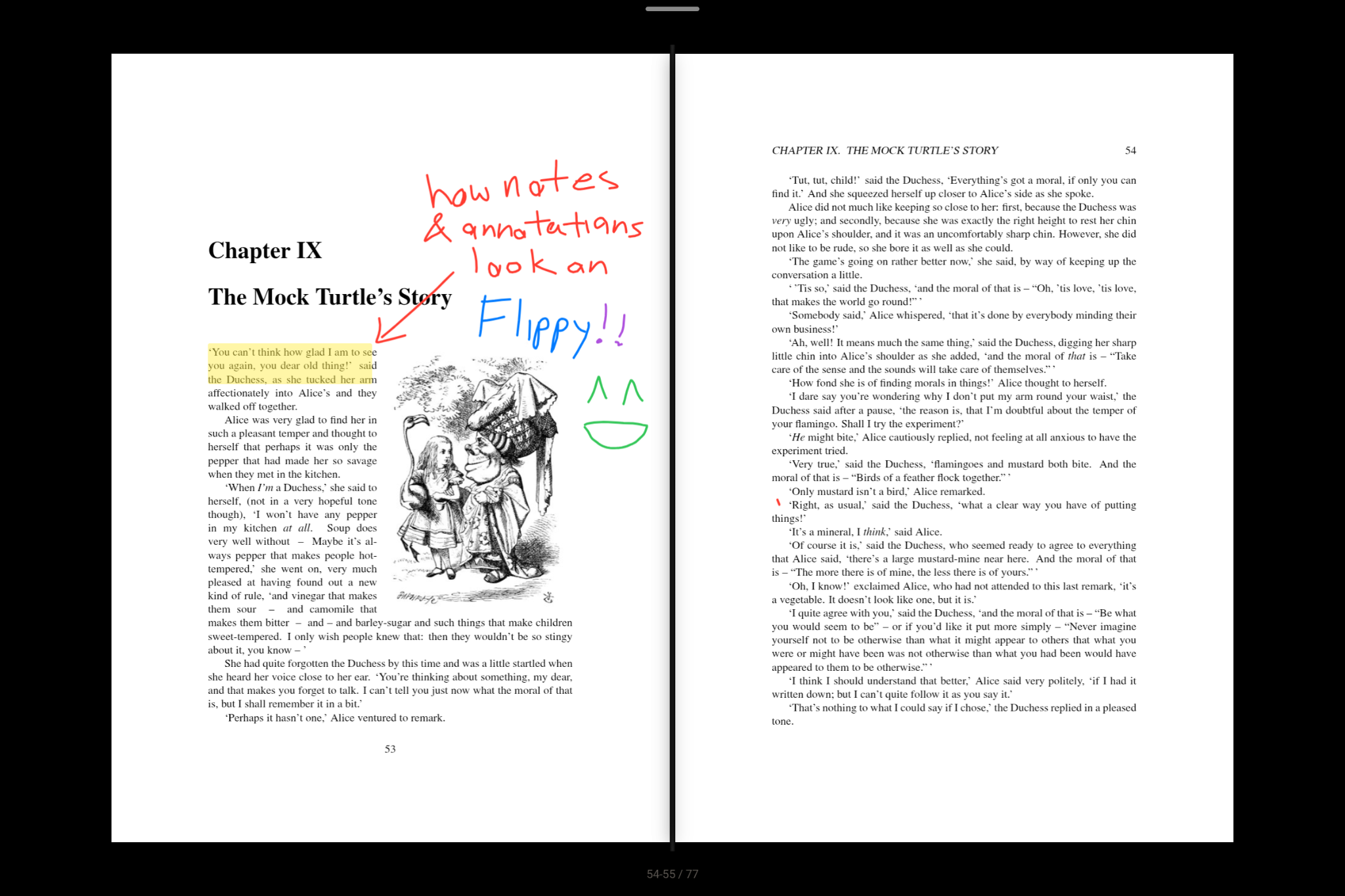
Five highlight colors. Bookmarks with notes. Pen and highlighter with zero lag. Mark what matters.
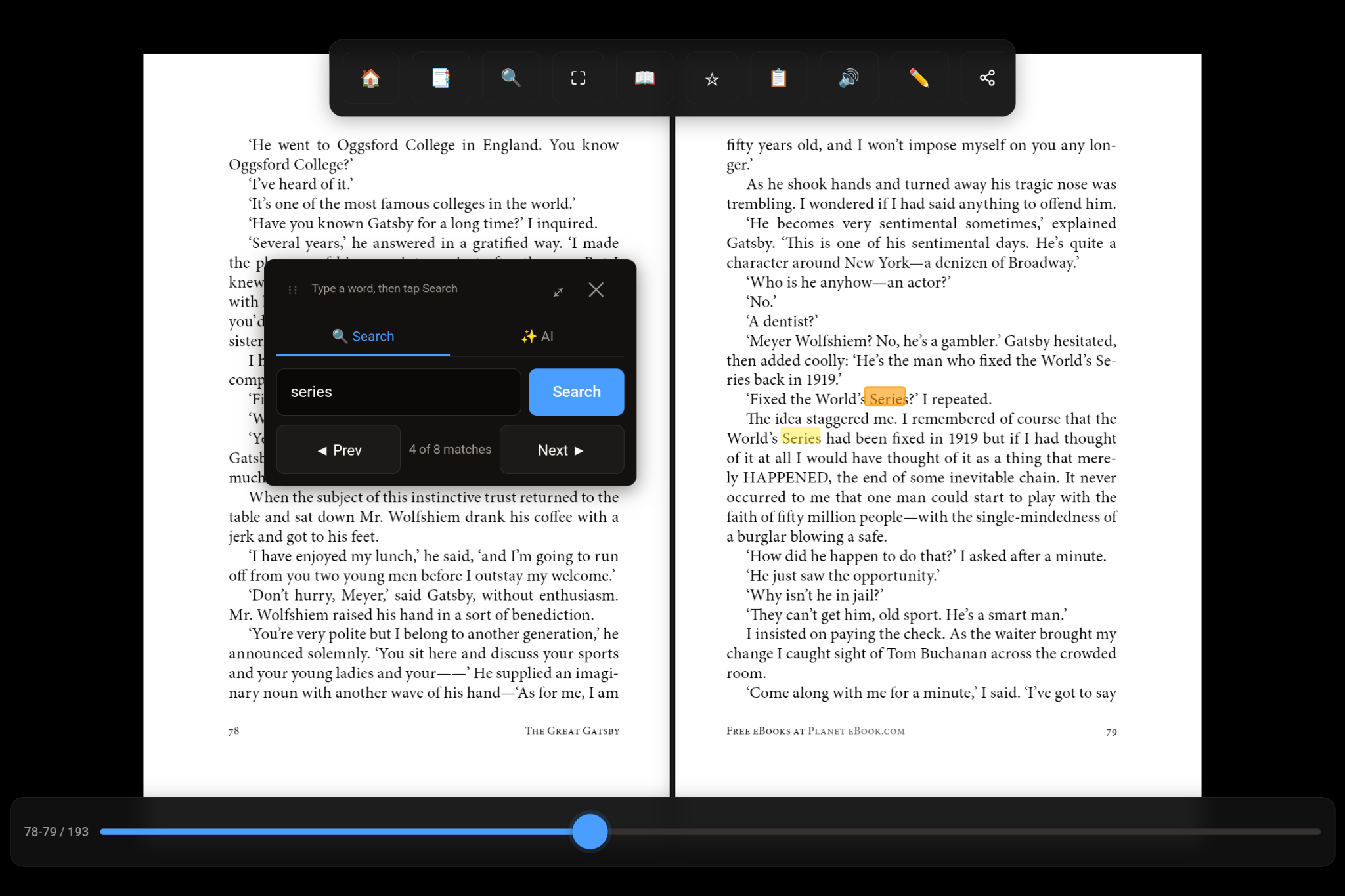
Search any word or phrase. See how many times it appears. Jump between results — current match highlighted orange, others in yellow.
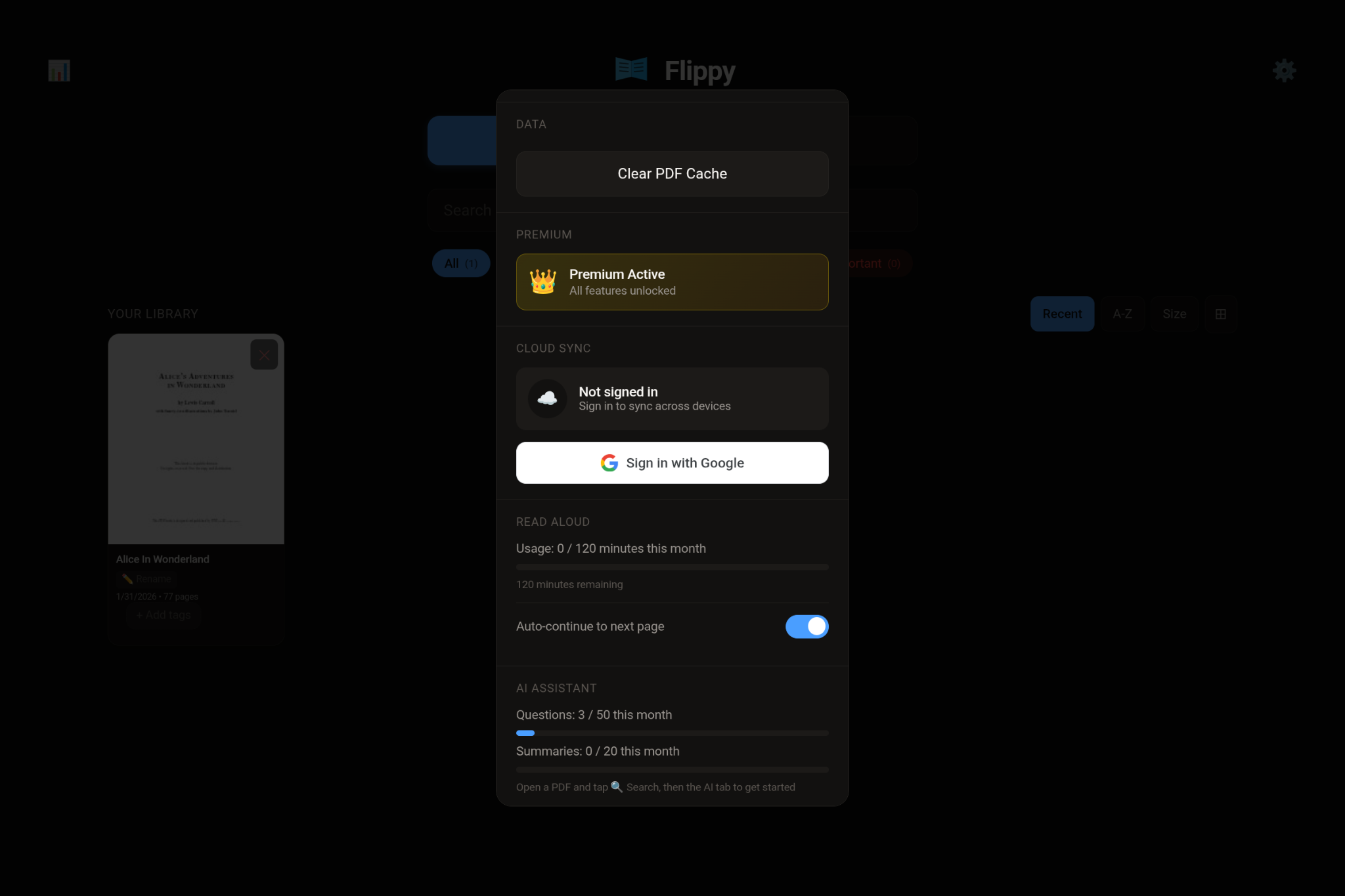
Bookmarks, highlights, and reading progress sync across all your devices. Pick up where you left off, anywhere.
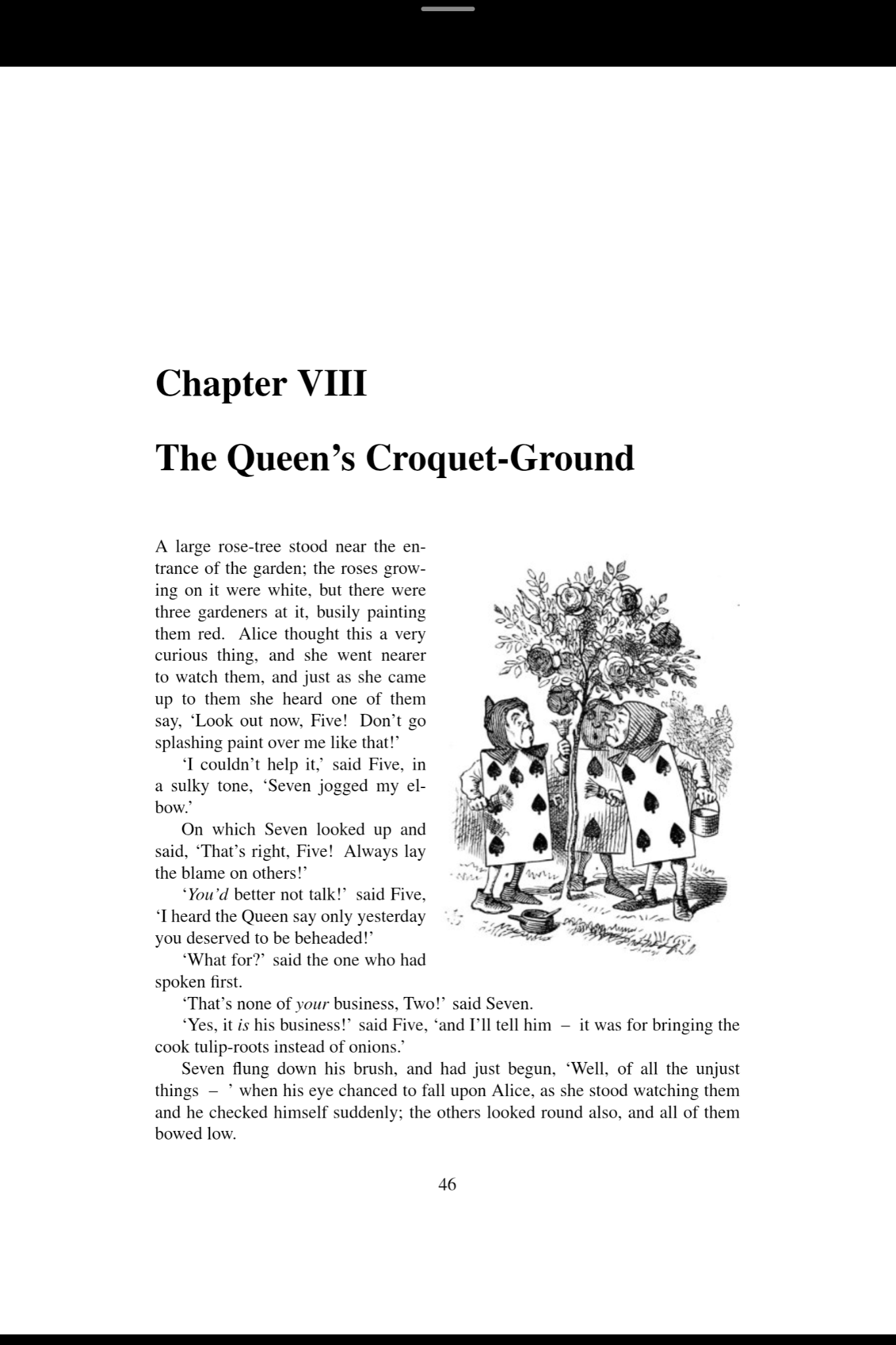
Some PDFs are better read vertically. Switch to scroll mode and scroll through your PDF instead of flipping pages.
Flippy is actively improving. Here's what's new.
Organize your PDFs into folders. Long-press any book to assign it to a collection.
Gentle nudges to build a reading habit. Delivered once a day between 9 AM and 9 PM. Android
Select multiple PDFs at once and bring them into Flippy in a single tap.
Bookmarks and highlights in one cleaner, faster place. Review everything you've marked at a glance.
Chapter scrubber for quick navigation. Fullscreen AI Q&A. Double-tap to start read-aloud.
Any PDF link — Google Drive, government sites, anywhere. It just works.
Amazon Appstore
Free to download and use. Unlock unlimited AI Q&A and read-aloud with Pro — $3.99/month or $29.99/year.